Part 1: How can you implement batch processing using Open AI(gpt-4o-mini) and deploy this code on server to setup an automated pipeline ?
A detailed guide on setting up an automated batch processing pipeline using OpenAI API.
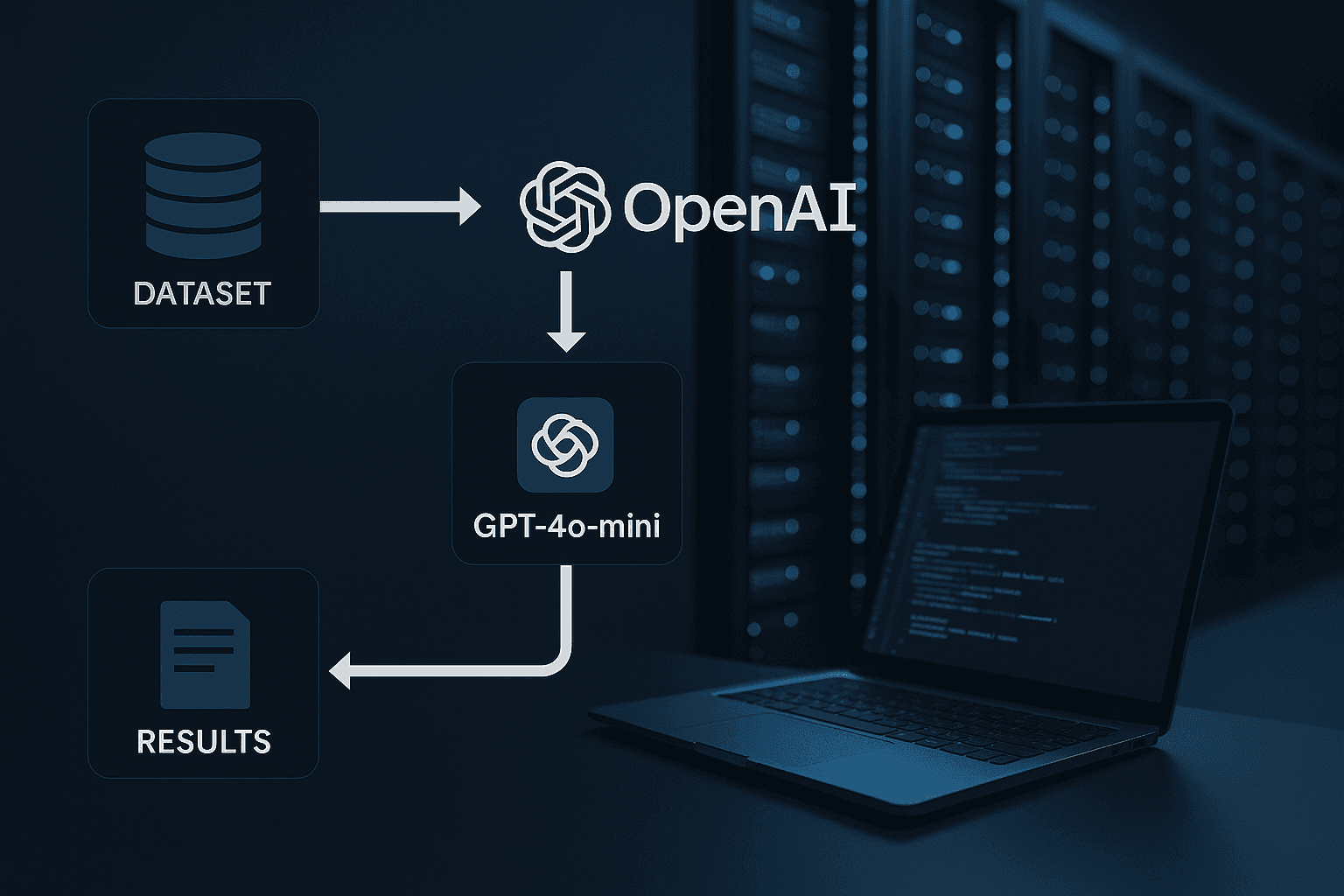
Imagine you have 50000 data points that you have to process using OpenAI’s GPT-4o-mini api , what would be the possible solutions that we can derive ?
One that comes to the top of the mind would be to setup a loop , If we utilise this method , it has too many drawback’s
-
If your code is deployed on a server , it will keep on executing for 50K requests and morever 50000 data points meaning , it would be a lot of tokens to proess which may incur a hefty amount, you can refer to the price chart given by OpenAI.
-
If while processing the requests with above method , your code throws any error , then further execution would be stopped .
Note : If you setup the pipeline for 50K requests during a night time , hoping processing would be completed by the time you wake up , it may go other way and you may wake up with just 5000 requests completed , which may be really annoying .
- If you had set this up on your local machine and if you face any internet failure, it would stop the code execution .
To avoid all of the above and plus get a 50% off on each request you make , there would be a 50% of total cost reduction for your entire data , which sounds like a good deal .
Yes you can achieve this by Batch processing service that OpenAI provides you with a 50% cost reduction and also with seperate pool of higher rate limits.
So lets dive into this how can we implement the batch processing .
- Setup your OpenAI account with OpenAI API keys .
- You can set it up here : https://platform.openai.com/settings/organization/api-keys
Setup
# Make sure you have the latest version of the SDK available to use the Batch API
pip install openai - upgrade
import json
from openai import OpenAI
import pandas as pd
from IPython.display import Image, display
client = OpenAI()
Loading Data Here you can have a custom implementation for fetching data from your database .
I have utilised simple IMDB dataset .
dataset_path = “data/imdb.csv”
df = pd.read_csv(dataset_path)
df.head()
Creating a Batch File The batch file, in the jsonl format, should contain one line (json object) per request. Each request is defined as such:
{
 “custom_id”: <REQUEST_ID>,
 “method”: “POST”,
 “url”: “/v1/chat/completions”,
 “body”: {
 “model”: 'gpt-4o-mini',
  "temperature": 0.2,
 “messages”: [
    {
       "role": "user",
       "content": f"{text}"
    },
  ]
 }
}
Note: the request ID should be unique per batch. This is what you can use to match results to the initial input files, as requests will not be returned in the same order.
system_prompt = Classify movie descriptions into genre categories and provide a 1-sentence summary.

Input: Movie description
Output: JSON
{
  "categories": ["genre1", "genre2", "genre3"],
  "summary": "1-sentence movie summary"
}

Guidelines:
- Use simple, lowercase category names (e.g., "action", "romance", "comedy")
- Limit categories to 3-4 per movie, focusing on the most prominent genres
- Summarize the movie in 1 clear, concise sentence
tasks = []
for index, row in df.iterrows():
    description = row['Overview']
    task = {
        "custom_id": f"task-{index}",
        "method": "POST",
        "url": "/v1/chat/completions",
        "body": {
            "model": "gpt-4o-mini",
            "temperature": 0.1,
            "response_format": {
                "type": "json_object"
            },
            "messages": [
                {
                    "role": "system",
                    "content": system_prompt
                },
                {
                    "role": "user",
                    "content": description
                }
            ],
        }
    }
    tasks.append(task)
Here comes the main part where you can directly load the json data into the memory.
import json
import io
json_obj = io.BytesIO()
for obj in tasks:
    json_obj.write((json.dumps(obj) + '\n').encode('utf-8'))
Above code will ensure that you don’t have to save the data in any json file , most of the implementation on the internet would tell to save the data into a .json file .
But this will help to run this batch processing code even on server and you can actually automate your batch processing with the help of cron jobs and triggers.
Let’s move onto the next step .
Uploading the in Memory Json Object
batch_file = client.files.create(
    file=json_obj,
    purpose="batch"
    )
Creating the batch job
batch_job = client.batches.create(
  input_file_id=batch_file.id,
  endpoint="/v1/chat/completions",
  completion_window="24h"
)
save_data = {
    'batch_job_id':f"{batch_job.id}",
    "time":f"{time.strftime("%I:%M:%S %p")}"
}
You can save the above data into your data base and you can utilise a cron job to check the status of the batch job completion .
Checking if the batch has been completed or not
batch_job = client.batches.retrieve(id)

while batch_job.status == 'in_progress':
    batch_job = client.batches.retrieve(id)
    print(batch_job.status)
    if batch_job.status == 'completed':
        break
    time.sleep(60)
You can either utilise the above code or setup a cron job on cloud services to check if the batch processing has been completed or not .
Retrieving results
result_file_id = batch_job.output_file_id
result = client.files.content(result_file_id).content
Now you can extract the output json data by directly decoding it into the memory , so that this can be utilised to setup a pipeline on the server.
res = []

json_str = result.decode('utf-8')
# Parse the string to a JSON dictionary

json_lines = json_str.splitlines()

for line in json_lines:
    if line.strip():  # Check if the line is not empty
        try:
            json_dict = json.loads(line)
            res.append(json_dict)
        except json.JSONDecodeError as e:
            print(f"Error decoding JSON on line: {line}\nError: {e}")
Here res (List) contains the output json of each request stored as seperate element .
Now you can traverse through this res(List) and extract your outputs , input , output tokens and the custom id which can help you to identify each processed data point .
for (ress) in res:
    # print("LLM OUTPUT")
    custom_id = ress.get('custom_id')
    output=ress.get('response').get('body').get('choices')[0].get('message').get('content')
    prompt_tokens = ress.get('response').get('body').get('usage').get('prompt_tokens')
    completion_tokens = ress.get('response').get('body').get('usage').get('completion_tokens')
Now once you have decoded the outputs and prompt and completion tokens , you can store this data into your database .
Conclusion
Batch processing is a reliable approach to handle large amounts of data, which enables the organisations to automate workflows, streamline data processing, and manage costs more effectively .
Stay tuned ! As I would be uploading a part 2 of the blog on how you can setup a entire automated batch processing pipeline utilising supabase , OpenAI batching service , supabase CRUD and supabase cron job.
The 🤫 hussh magazine
Written by Omkar Malpure, and built to read beautifully here — and to travel to 🤫 One on your phone, your glasses, and visionOS, as one immersive magazine you own.